
Thunderbird
Thunderbird is a free, open-source email client and personal information manager for Windows, macOS, Linux and Android.
Windows
Open source

Microsoft Outlook is Microsoft's email client and personal information manager. Version 1.2026.818.0 is a free Windows app.
Average 0.0 · ratings: 0
Thank you! Your rating is saved; you can change it. Could not save the rating. Please try again later. Too many ratings from your network today. Please try again tomorrow. The average appears after 5 ratings.
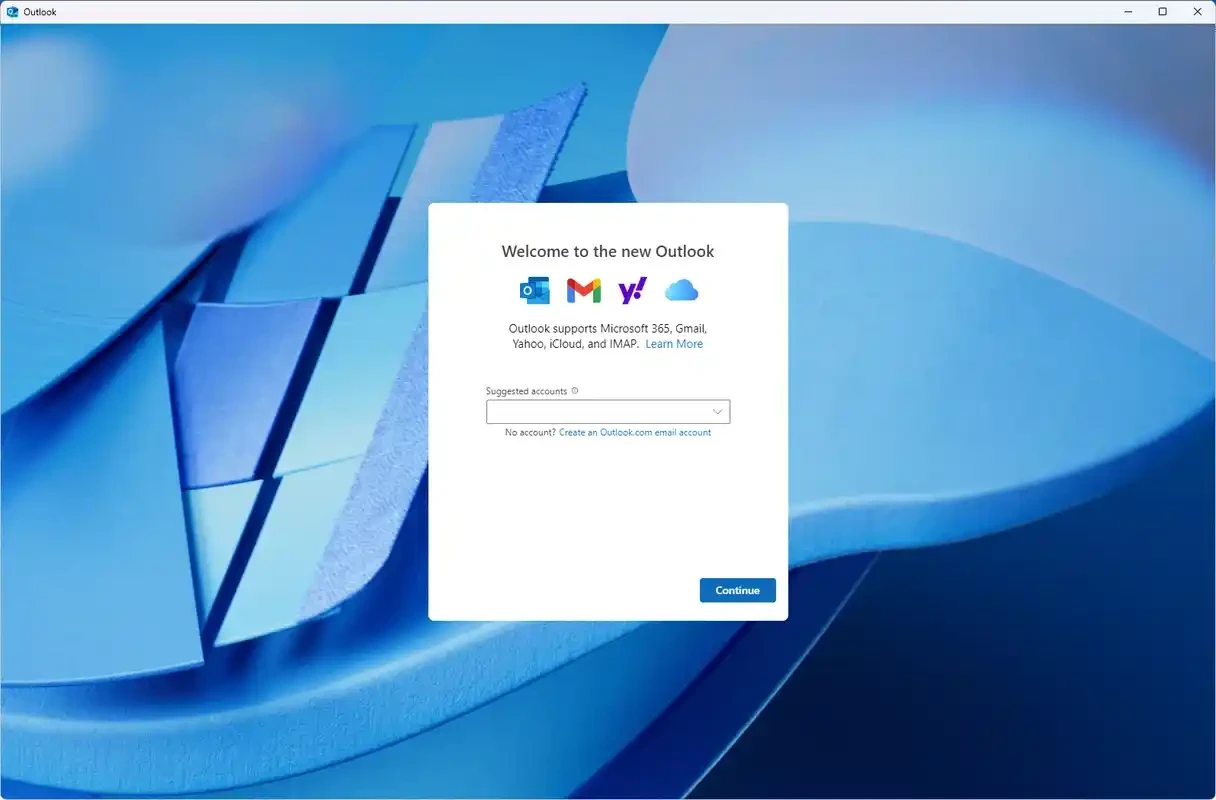
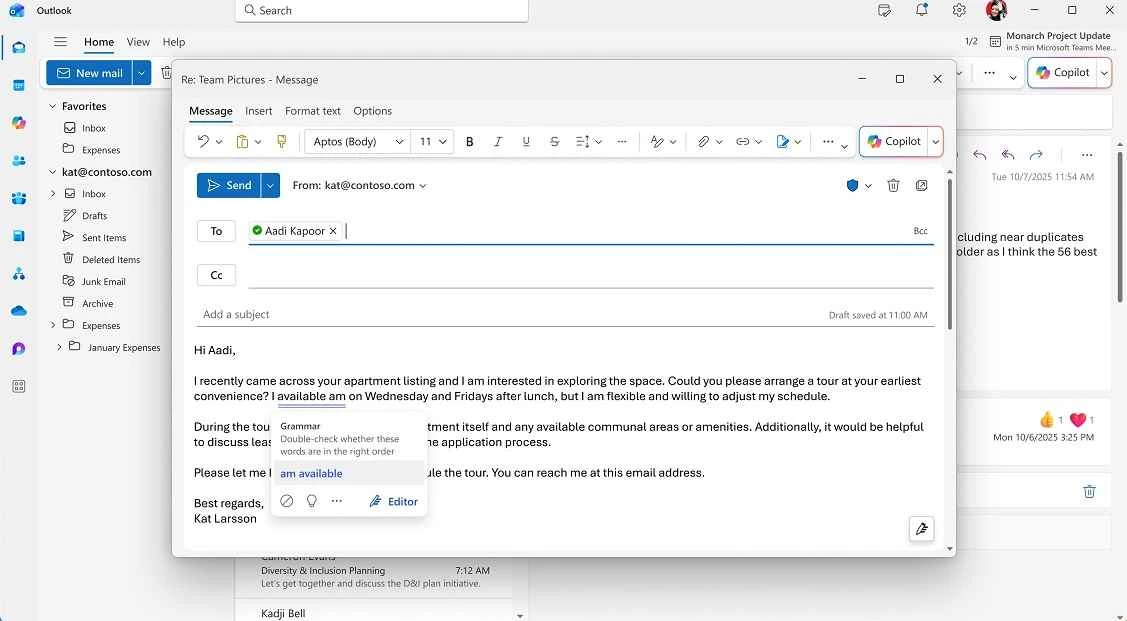
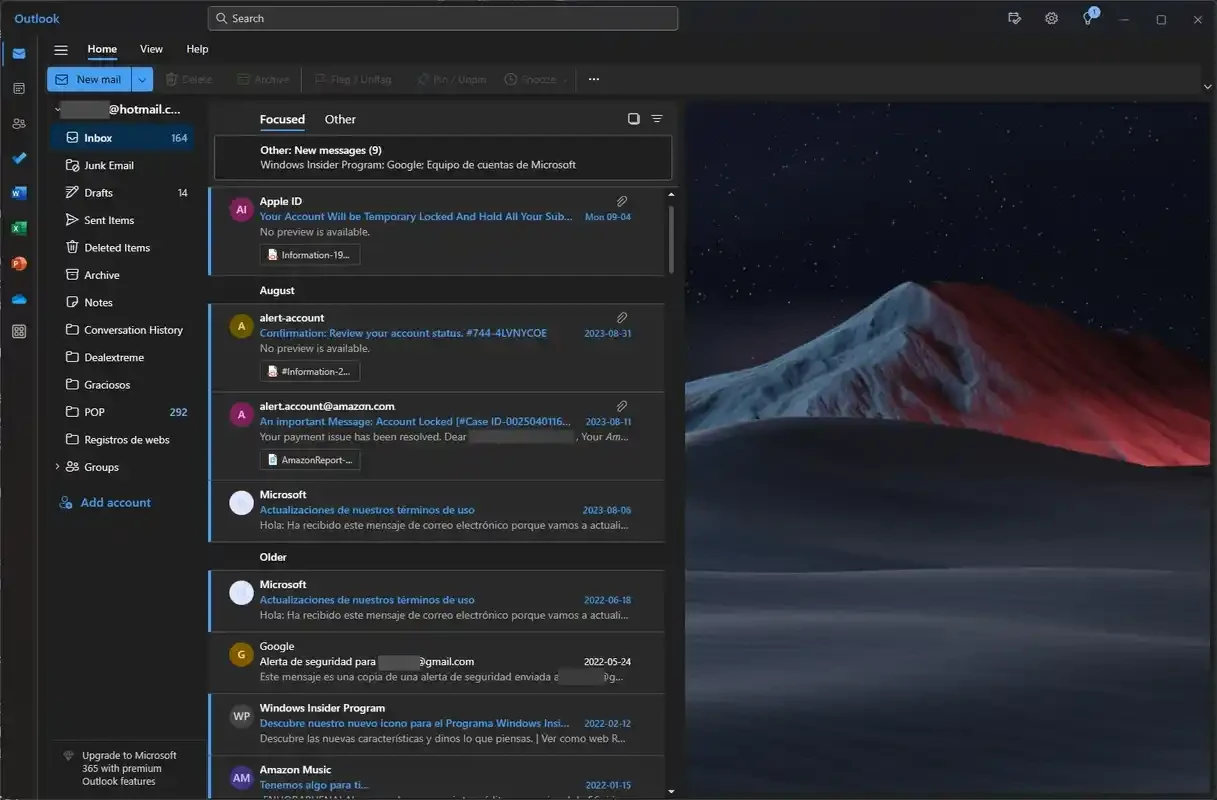
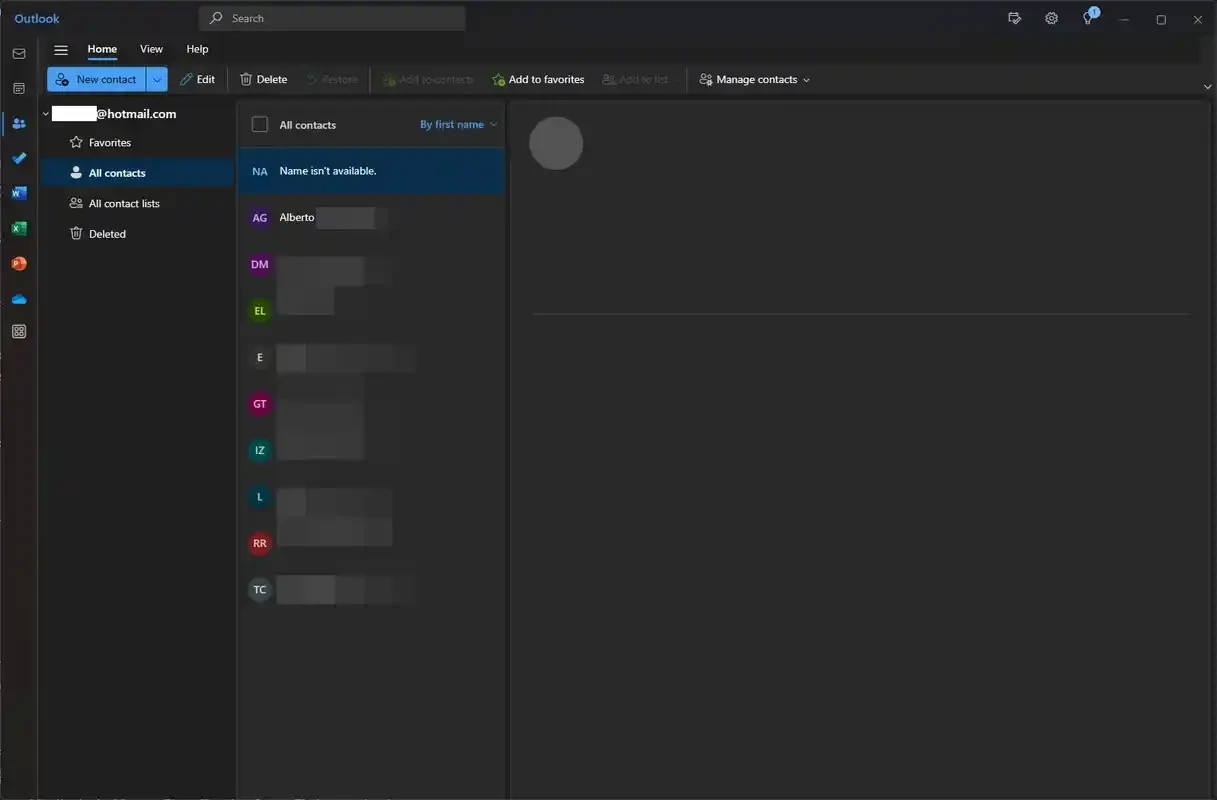
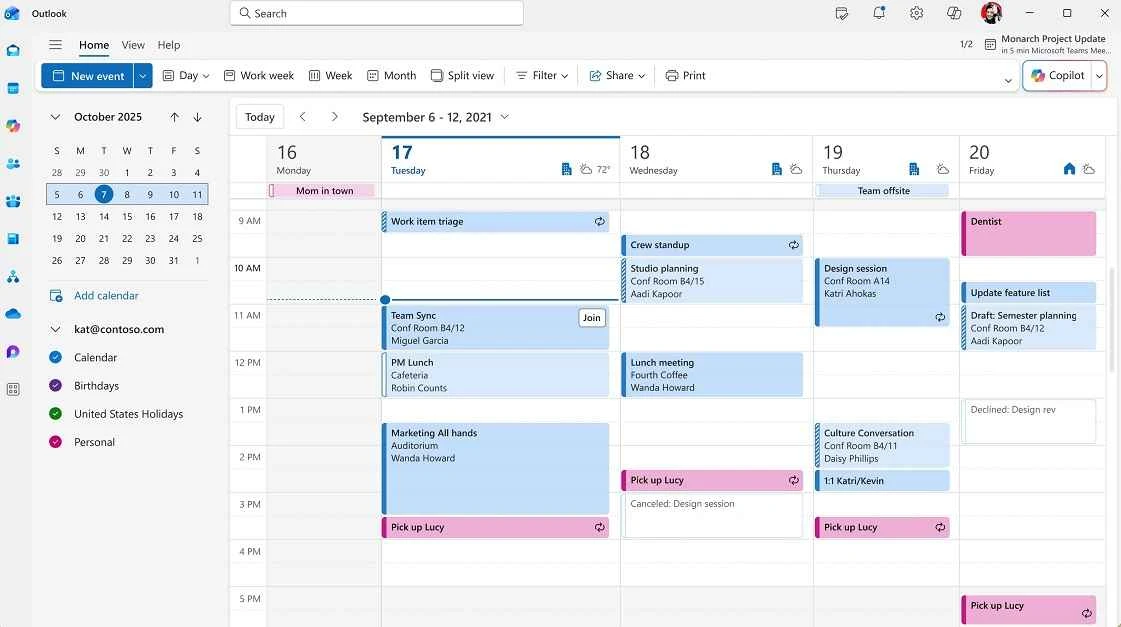
Microsoft Outlook 1.2026.818.0 for Windows is a free version of Microsoft's email app for the PC, combining mail, calendar and contacts in one window. You can download it without paying and sign in with a personal or work account; this overview explains what to expect.
Outlook is Microsoft's email client and personal information manager, developed as part of Microsoft 365 and available on Windows, macOS, Android and iOS. For years the name stood mainly for the heavy desktop program inside Microsoft Office; this Windows app, with version numbers starting at 1.2026, is a lighter client that looks and behaves much like the web version at outlook.office.com. It handles Outlook.com and Microsoft 365 mailboxes, and it can add accounts from other email providers, so one inbox can hold everything. The calendar sits next to the mail, which makes it easy to accept an invitation, check free time and schedule a meeting without switching apps. Because settings and data live in the account rather than on the disk, the same folders, rules and signatures appear when you sign in on another PC or on your phone. People who used the classic Office program will notice that some advanced options are missing, while newcomers usually find the simpler layout easier to learn.
The package is about 32.56 MB according to catalogue data, so it installs quickly. Microsoft does not list separate requirements for this app in our data; a current version of Windows with internet access is enough in practice.
The app is free with an Outlook.com account. A Microsoft 365 subscription adds more mailbox storage and removes ads; business plans come with company mailboxes.
Other email apps in our listings: Mailbird, a desktop client for several accounts, and Thunderbird, a free open-source mail client.
Thunderbird is a free, open-source email client and personal information manager for Windows, macOS, Linux and Android.

WhatsApp Desktop is the official WhatsApp app for Windows, letting you chat and call from your PC with the account on your phone.

Microsoft Teams is Microsoft's collaboration and video-conferencing app for chat, meetings, calls and shared files at work, school or home.

Zoom Meeting is the desktop client of Zoom's video-conferencing service for calls, webinars, screen sharing and chat on Windows.

Camo Studio is Reincubate's desktop app that turns an iPhone, iPad or Android phone into a high-quality webcam for a Windows PC or Mac.

Google Meet is Google's video meeting app. On Windows it runs from the browser and can be installed as an app, with no separate installer to download.

Facebook for Windows is the desktop app of Meta's social network, with the news feed, groups, pages and notifications in a separate window.

Telegram Desktop is the official Windows client of the Telegram messenger, with chats, groups, channels and file sharing synced from the cloud.

Telegram Web is the browser version of the Telegram messenger: open it on a Windows PC, log in with your phone and chat without installing anything.