Microsoft Outlook 5.2632.1 for Android
5.2632.1 · Microsoft Corporation · Page updated
Microsoft Outlook for Android is Microsoft's free email and calendar app. This page covers version 5.2632.1.
Rate Microsoft Outlook
Average 0.0 · ratings: 0
Thank you! Your rating is saved; you can change it. Could not save the rating. Please try again later. Too many ratings from your network today. Please try again tomorrow. The average appears after 5 ratings.
Screenshots
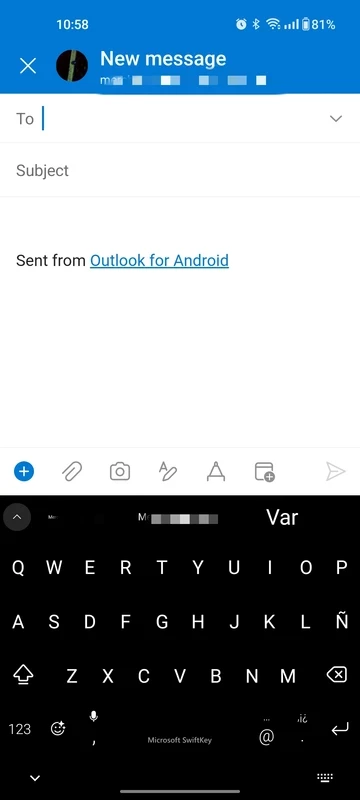
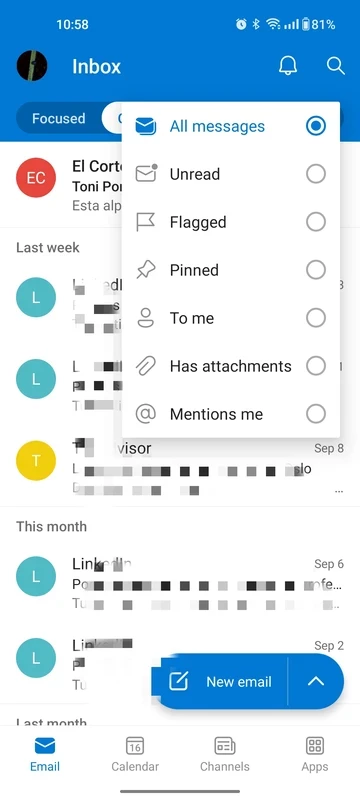
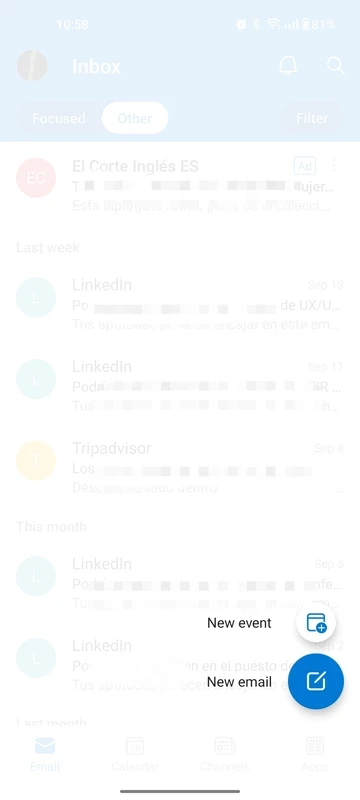
About Microsoft Outlook
Microsoft Outlook 5.2632.1 for Android is Microsoft's free email and calendar app for phones and tablets. You can download it from Google Play and keep work and personal mailboxes in one place; here are the key facts and a quick setup guide.
Quick facts
| Item | Details |
|---|---|
| App | Microsoft Outlook |
| Developer | Microsoft Corporation |
| Version | 5.2632.1 |
| Platform | Android; also Windows, macOS, iOS and web |
| Type | email client and personal information manager |
| Price | Free |
| Size | about 177.87 MB according to catalogue data |
| Updated | September 2026 |
What Outlook is for
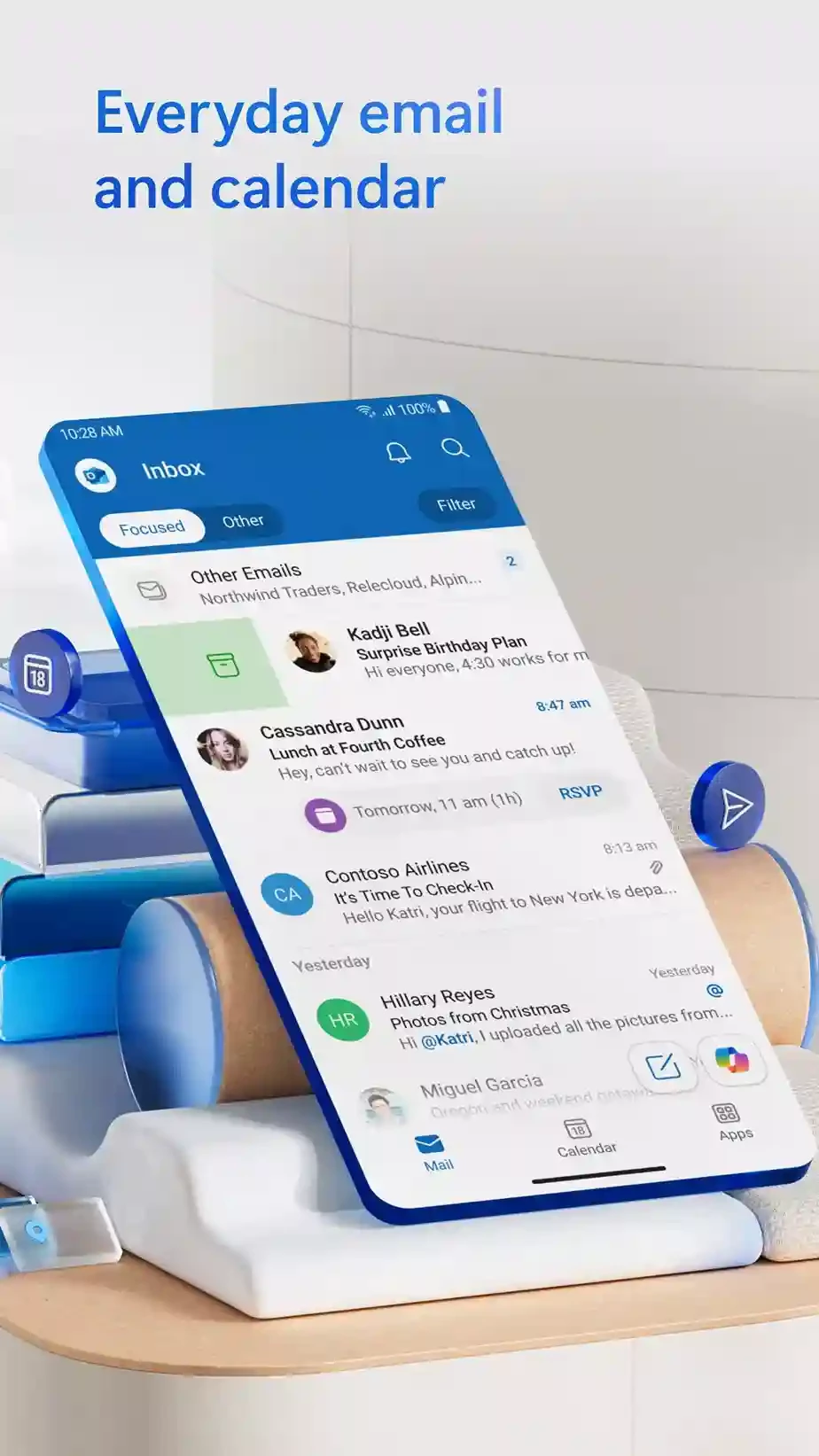
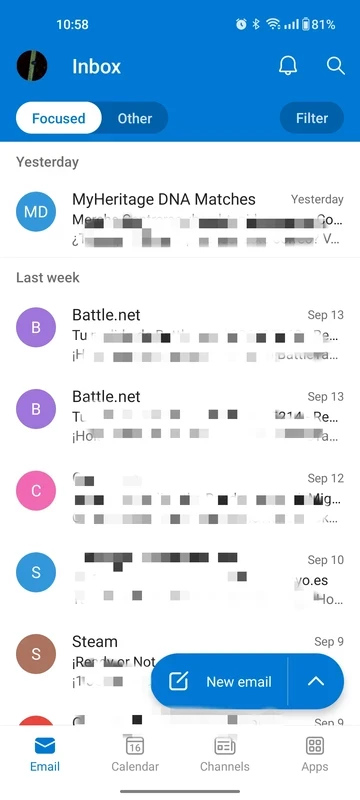
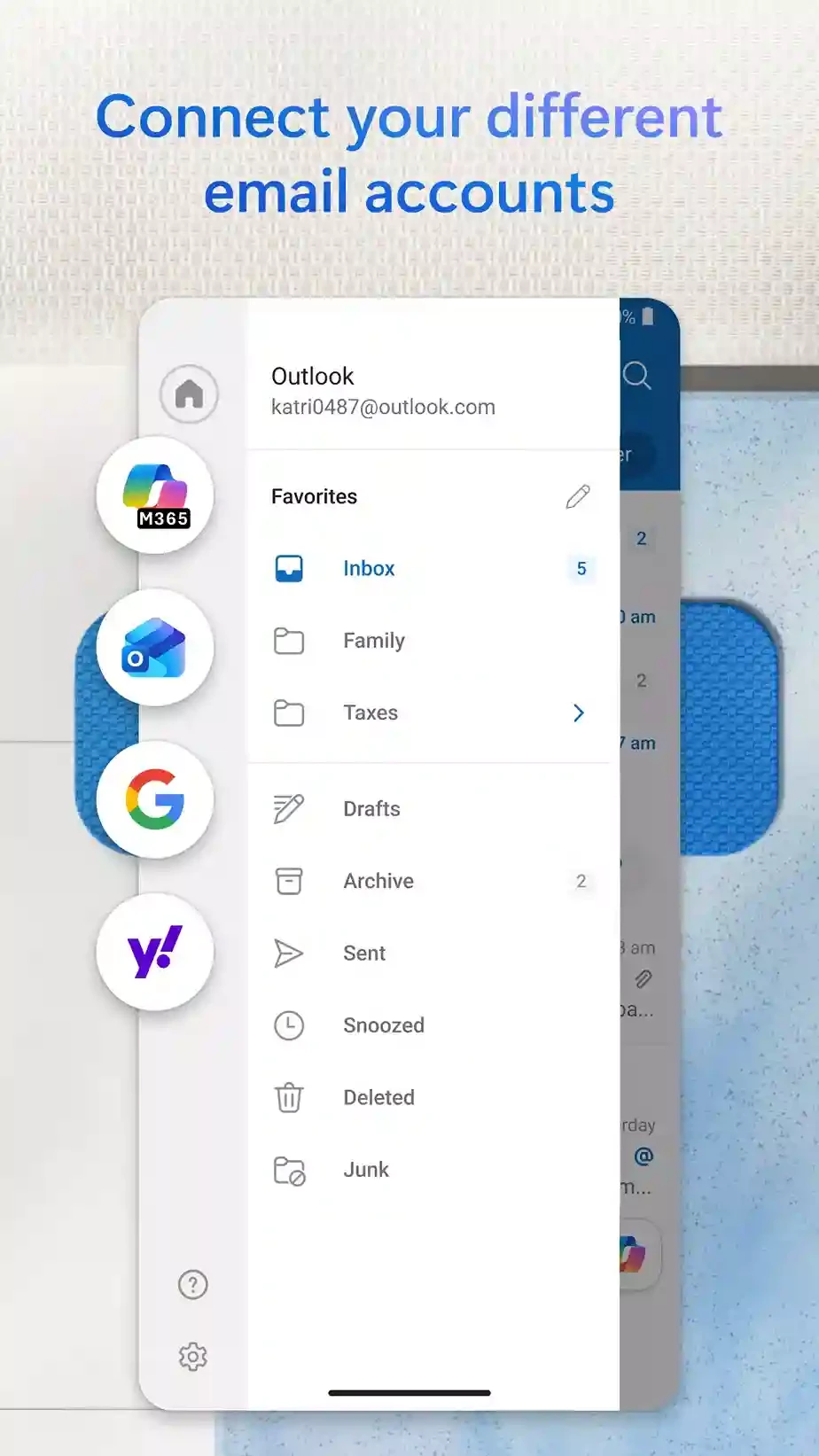
Outlook on Android brings mail, calendar and contacts together. It is part of Microsoft 365, so it is the natural choice if your company or school runs its email on Microsoft, but it also works with a free Outlook.com address and with mailboxes from other providers. The app lets you reply quickly or schedule a meeting from an email, and shows your agenda next to the inbox. For people who juggle a work account and a private one, having both on the phone in one app is the main attraction. Settings follow your account, so the folders and signatures you know from the PC or the web version are waiting when you sign in.
How to install and set up
- Open Microsoft Outlook on Google Play and tap Install.
- Launch the app and add your first account; Outlook detects most providers automatically.
- If your employer manages your phone, follow any prompts to install the company's security app.
- Add more accounts from the settings and choose which ones send notifications.
Safety checklist
- Install only from Google Play.
- Protect each account with two-step verification.
- Lock the phone with a PIN or fingerprint so nobody can read your mail.
- Report phishing messages instead of simply deleting them.
Settings worth changing
Set quiet hours so work mail stays silent in the evening, choose swipe actions that match how you clean your inbox, and pick which calendars appear in the agenda. You can also open the web version at outlook.office.com on any computer.
Who it suits
Outlook is the obvious pick if your job runs on Microsoft email, because meetings, shared mailboxes and company rules work the way your IT team expects. It is also a good home for people who keep several private addresses and want one place for all of them. If you only use a single Gmail address, the Gmail app may feel simpler, while Outlook shines when accounts and calendars pile up.
Pros and cons
- Pro: free mail and calendar in one app.
- Pro: handles several accounts.
- Pro: fits naturally into a Microsoft-based workplace.
- Con: large app on the phone.
- Con: some company policies add extra setup steps.
Alternatives
Other email apps for Android in our listings: Gmail and Yahoo Mail. For team chat alongside email, see Microsoft Teams.